
Get Loud Audio for Your Video Fast with DynAssist
· Audio · Post-production & software · 9:21
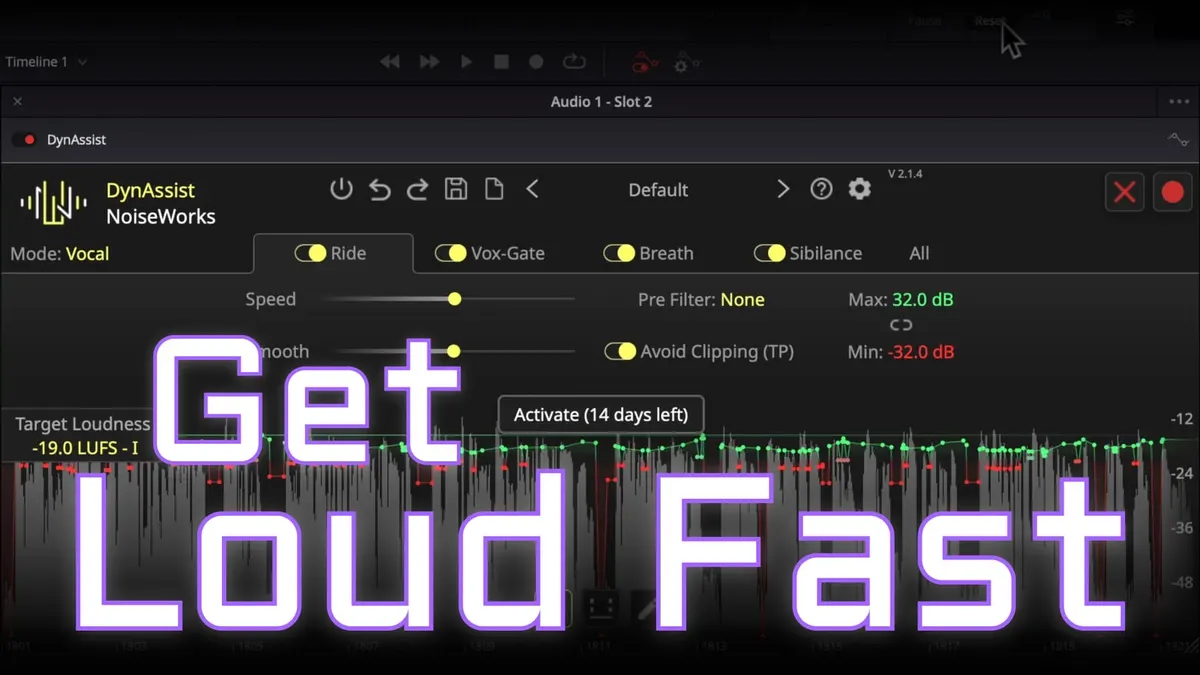
In this episode, we demonstrate how to loudness optimize your audio for video quickly with a plugin called DynAssist from NoiseWorks Audio.
I have no association with NoiseWorks and they did not pay me to make this video. To learn more about DynAssist and their other plugins, you can find them here.
Some of my other studio gear:
Gear used or mentioned
The links below are Amazon, B&H Photo, Sweetwater, or other affiliate links. As an affiliate, I earn from qualifying purchases.
- RODE Interview Pro — microphone (this was recorded in a hotel room when I was traveling)
- Sound Devices MixPre — audio field recorders
Read the transcript
This episode covers another way to get dialogue audio (podcast or video) to appropriate loudness for a platform like YouTube (max -14 LUFS) without heavy-handed compression that starts sounding unnatural and “in your face.” Previously we covered using a dialogue leveler; this time we look at a different plugin, Noiseworks’ Dynassist ($150, no affiliation, still evaluating it myself).
Dynassist bundles a few useful features: a “vocal rider”-style leveler that targets a specific LUFS value directly (handy since that’s exactly what platforms like YouTube specify); an AI-enabled noise gate/breath module that identifies and attenuates breaths between phrases by up to 12 dB so boosted breaths don’t sound yucky; and a de-esser that can reduce sibilance by up to 6 dB.
Workflow demonstrated in DaVinci Resolve Fairlight: an RX mouth-declick plugin runs before Dynassist to clean up saliva/mouth-click noise, then Dynassist itself needs a “look-ahead” pass — you record/play through the audio once so it can analyze upcoming levels and write automation for level boosts, breath attenuation, and de-essing before actually processing in real time. Testing on a Sherlock Holmes passage targeting -19 LUFS, the plugin got very close to target, retained 3.3 dB of true-peak headroom (important since export compression/codecs eat into headroom — always keep at least 1.5-2 dB), handled most breaths well (it missed one, easily fixed by manually editing an automation point), and did a nice job managing sibilance.
Overall verdict: impressively convenient for hitting a loudness target while managing breaths and sibilance in one pass, worth considering the $150 price if this workflow fits your needs. Get out there, make some great sound, and we’ll talk to you again soon.