
Using the Sonnox Soften Plugin to Process Harsh Dialogue Audio
· Audio · Post-production & software · 4:10
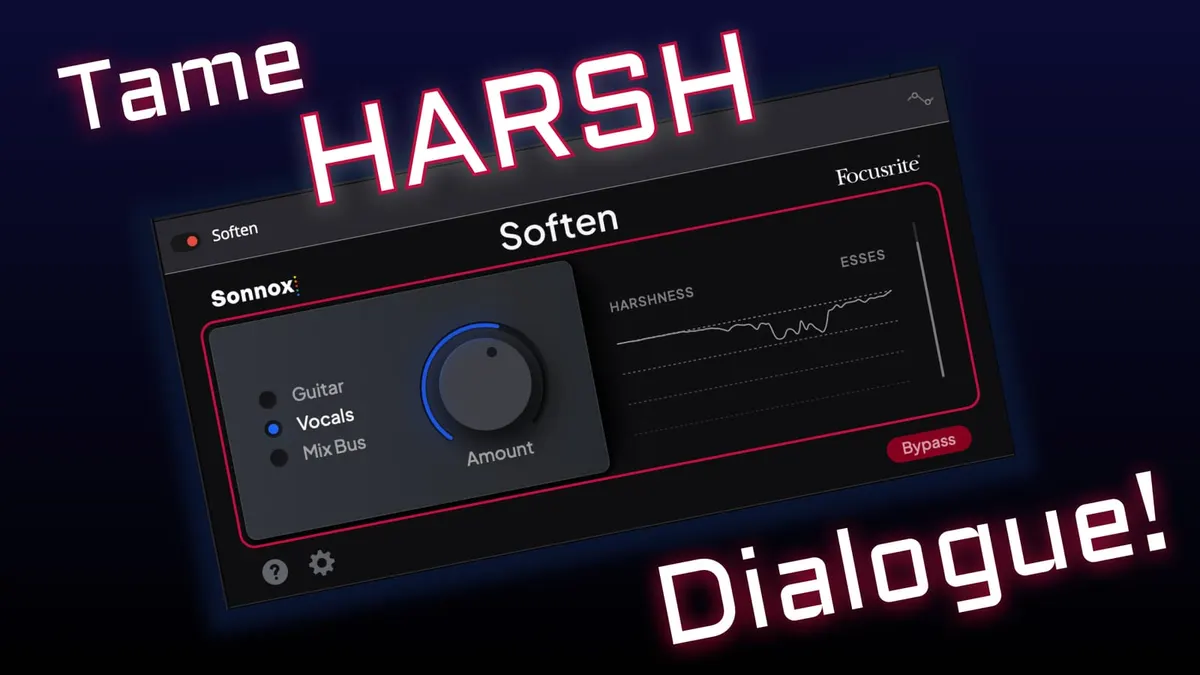
In this week’s episode, we explore how to use Sonnox’s Soften plugin to soothe harsh dialogue audio recordings so that they’re easier and more pleasant to listen to. Soften makes this type of post-production super easy! Let’s take a closer look.
Gear used or mentioned
The links below are Amazon, B&H Photo, Sweetwater, or other affiliate links. As an affiliate, I earn from qualifying purchases.
- Sonnox Dialogue Soften plugin (not an affiliate)
- Sound Devices MixPre series recorders
- Sennheiser MKH50 boom microphone
Read the transcript
This episode demonstrates Sonnox’s new Soften plugin (Sonnox is now a Focusrite brand as of 2022) for smoothing out slightly harsh-sounding dialogue audio, running in DaVinci Resolve. The starting sample has some sibilance and a bit of midrange harshness in the voice.
Using Soften: drop it on the track, select the “vocals” mode (versus other source types), and dial in the amount — pushing it too far starts to soften articulation on sibilant letters like S and C, though this plugin is more forgiving than some de-essers that can make S sounds turn into a lisp-like effect at extreme settings. It also tames midrange harshness. In before/after playback, the difference is subtle but noticeable on good headphones — less sibilance, smoother mids. At 100% on some material it can start to sound a bit dull or over-softened, so a practical approach is to push it to 100% to hear the effect clearly, then back off to where it sounds best, toggling bypass to A/B against the original.
This is a simple, largely automatic tool for taming sibilance and midrange harshness in dialogue. It’s available free to anyone who owns a Focusrite audio interface — register your device on their account site, go to My Software > Audio Effects, and download Sonnox Soften from there. Get out there and make some great sound. Talk to you again soon.